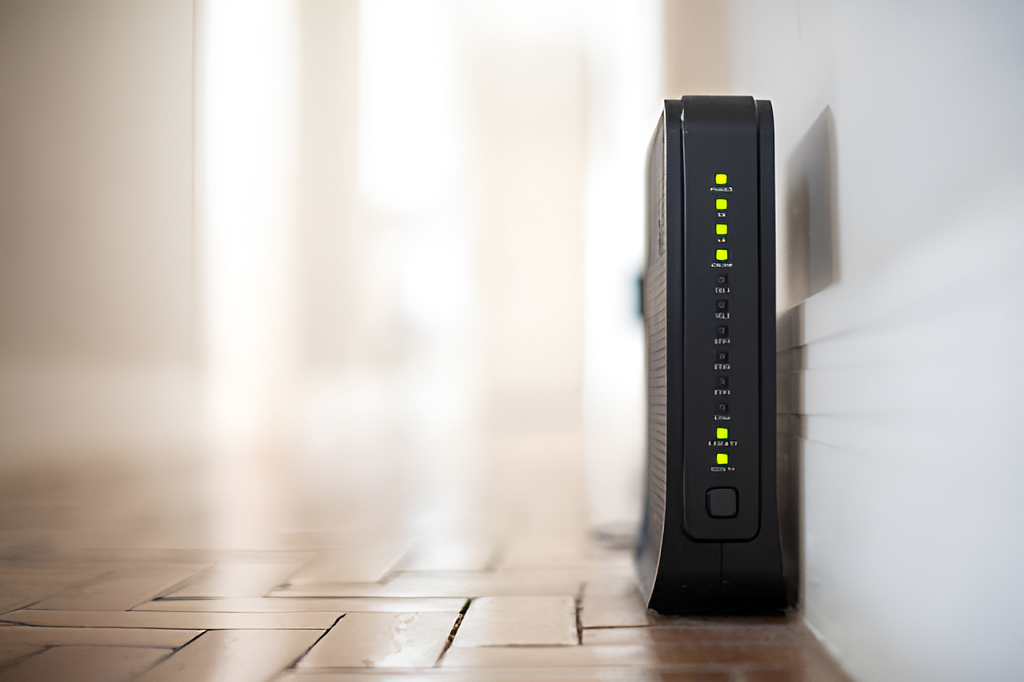
- Walls and distance are the biggest WiFi killers, especially when materials like concrete, brick, or metal block the signal.
- Router placement matters more than you think—central, elevated positioning away from metal objects can significantly improve coverage.
- 2.4 GHz reaches farther through walls, while 5 GHz offers faster speeds but shorter range, so using both appropriately improves overall performance.
- Mesh WiFi systems provide the best full-home coverage, especially in larger homes or homes with multiple dead zones.
- Simple, low-cost fixes often work first, such as updating firmware, switching channels, and removing obstacles near the router.
- Interference from devices like microwaves, Bluetooth, and neighboring networks can weaken WiFi, so reducing interference improves stability.
- For the strongest stability, use wired connections where possible, such as Ethernet or Powerline adapters, especially for high-demand devices like smart TVs and gaming consoles.
If your WiFi works great in the living room but drops to one bar in the bedroom, you’re not alone. Thick walls, long distances, and competing signals from neighbors can turn your home into a frustrating dead zone maze. The good news is that you don’t need to move your router to the center of the house or spend a fortune on upgrades to get reliable coverage. With a few smart changes and the right tools, you can boost your WiFi signal through walls and enjoy full-home coverage.
This guide walks you through practical, easy-to-apply strategies that work for real homes, not just ideal setups.
Why Does WiFi Struggle Through Walls?
WiFi signals travel as radio waves, and walls act like obstacles that absorb or reflect those waves. The thicker the wall and the more materials involved—like concrete, brick, or metal—the harder it is for your signal to pass through. Even home décor items like mirrors, large TVs, and metal appliances can interfere.
Walls aren’t the only problem. Distance, interference from neighboring networks, and outdated equipment also play a big role. If you’re trying to figure out how to fix weak WiFi signal, understanding these factors is the first step toward improving coverage.
Common Reasons WiFi Drops Through Walls
- Thick walls (brick, concrete, or stone)
- Metal studs or insulation
- Multiple floors and ceilings
- Signal interference from nearby networks
- Older routers or outdated firmware
- Poor router placement
Understanding the cause helps you pick the right solution. For example, if your issue is mainly distance, a mesh network might be best. If your problem is interference, adjusting channels could do the trick.
Where Should You Place Your Router for the Best Coverage?
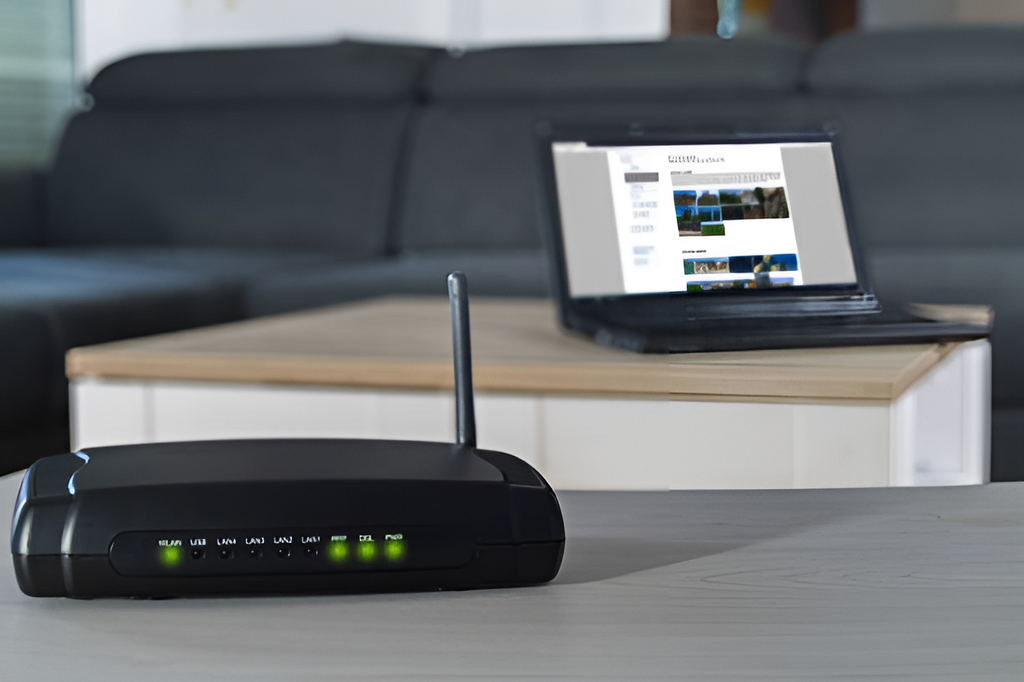
Router placement matters more than most people think. It’s easy to hide your router in a closet or behind furniture, but that also hides the signal.
Here’s how to place it correctly:
- Put your router in a central location, ideally on the main floor.
- Keep it elevated (on a shelf or high table).
- Avoid placing it near metal objects or appliances.
- Keep it away from thick walls and corners.
- Don’t hide it in a closet or behind a TV.
Even small changes in placement can improve coverage dramatically, especially if your router was tucked away.
What’s the Difference Between 2.4 GHz and 5 GHz?
Most modern routers broadcast two frequency bands: 2.4 GHz and 5 GHz. Understanding the difference helps you know what to expect from your signal.
2.4 GHz
- Better range
- More wall penetration
- More interference from neighbors and devices
5 GHz
- Faster speeds
- Less interference
- Shorter range and weaker wall penetration
If you’re trying to boost WiFi signal through walls, 2.4 GHz is usually the better choice for far rooms. However, 5 GHz is great for rooms close to the router or for high-speed activities like streaming and gaming.
Should You Use a WiFi Extender or a Mesh System?
If your home has multiple dead zones, you may need more than just repositioning your router. The two most popular options are WiFi extenders and mesh systems.
WiFi Extenders
WiFi extenders pick up your existing signal and rebroadcast it. They are usually cheaper but can create weaker speeds and “split” signals.
Pros:
- Affordable
- Easy to install
- Good for small homes
Cons:
- Can reduce speeds
- Requires separate network name in some cases
- Not ideal for large homes
Mesh WiFi Systems
Mesh systems use multiple units that work together as one network. This is the best option for full-home coverage, especially in larger houses.
Pros:
- Consistent signal throughout the home
- Easy to expand
- One network name
Cons:
- More expensive
- Requires multiple units
If your goal is full-home coverage, a mesh system is usually the most reliable solution.
How to Choose the Best Mesh System for Your Home
Not all mesh systems are created equal. When choosing one, consider these factors:
- Size of your home: More square footage means more nodes.
- Number of devices: More devices require more bandwidth.
- Type of walls: Thick walls need stronger signal coverage.
- Internet speed: Choose a system that supports your plan.
- Budget: Mesh systems range from budget-friendly to premium.
A good rule of thumb is to start with a 3-node system for homes over 2,000 square feet.
Can You Boost WiFi Signal Through Walls Without Buying New Equipment?
Yes, and the first steps should always be free or low-cost.
Simple DIY Steps That Improve Signal
- Update router firmware
- Switch to a less crowded channel
- Change the router’s antenna direction (if possible)
- Remove obstacles near the router
- Move the router to a central location
- Restart your router regularly
These changes alone can boost performance, especially if your router hasn’t been updated in a while.
How to Reduce WiFi Interference in Your Home
WiFi interference is one of the biggest reasons your signal drops through walls. Interference comes from both internal and external sources.
Common Interference Sources
- Microwaves
- Bluetooth devices
- Baby monitors
- Cordless phones
- Neighboring WiFi networks
How to Reduce Interference
- Switch to 5 GHz when possible
- Move your router away from devices
- Use a WiFi analyzer app to find less crowded channels
- Disable old 2.4 GHz-only devices if possible
- Set up QoS (Quality of Service) to prioritize important devices
Even small improvements can make your WiFi feel dramatically more stable.
What About Upgrading Your Router?
If your router is more than 3–4 years old, it may be time to upgrade. Older routers may not support modern standards like WiFi 6, which improves speed, range, and device handling.
Signs You Need a New Router
- Constant buffering or slow speeds
- Frequent disconnections
- Poor performance in multiple rooms
- Many devices connected at once
A modern router can handle more devices and provide stronger signals through walls.
Should You Use Wired Connections for Better Coverage?
If you want the best possible stability, a wired connection is still the gold standard.
Here are the best ways to use wired connections:
- Use Ethernet to connect smart TVs or gaming consoles.
- Use a Powerline adapter to extend wired internet through your home’s electrical system.
- Use a wired backhaul for mesh systems (if supported).
Wired connections can dramatically reduce lag and improve speed, especially for high-demand devices.
How Do Powerline Adapters Work?
Powerline adapters send internet through your home’s electrical wiring. They can be a great option when walls block WiFi signals and running Ethernet cables is difficult.
Pros of Powerline Adapters
- Easy setup
- Great for rooms far from the router
- No drilling or running cables
Cons of Powerline Adapters
- Performance varies by wiring quality
- Can be slower than Ethernet
- May not work well in older homes
Powerline adapters are a good compromise when you need stronger signal without a full mesh upgrade.
What If My Home Has Thick Concrete Walls?
Concrete walls are one of the toughest barriers for WiFi. In this case, the best solutions usually involve more than just a new router.
Best Options for Concrete Walls
- Mesh WiFi system with multiple nodes
- Powerline adapters
- Running Ethernet cable to a secondary access point
Concrete walls may require a combination of solutions, but full-home coverage is still achievable.
How Do I Test WiFi Coverage in My Home?
To improve WiFi coverage, you need to know where your weak spots are.
Simple Testing Methods
- Walk through your home and check signal strength on your phone
- Run a speed test in each room
- Use a WiFi analyzer app to map signal strength
Once you know the weak spots, you can place extenders or mesh nodes more effectively.
What’s the Best Setup for a Multi-Story Home?
Multi-story homes often have the most WiFi issues because floors act like barriers.
Best Setup Tips
- Place the router on the middle floor if possible
- Avoid placing the router in the basement or attic
- Add mesh nodes on each floor
- Use wired backhaul if possible for the best performance
A good mesh system is usually the most effective solution for multi-story homes.
Conclusion: Full-Home WiFi Coverage Is Achievable
Boosting WiFi signal through walls doesn’t have to be complicated or expensive. With the right approach, you can eliminate dead zones and enjoy consistent internet in every room. Start with simple placement and interference fixes, then upgrade to mesh or Powerline solutions if needed.
With these steps, you’ll finally get the full-home WiFi coverage you’ve been missing.